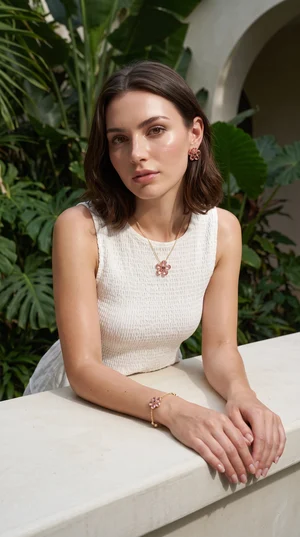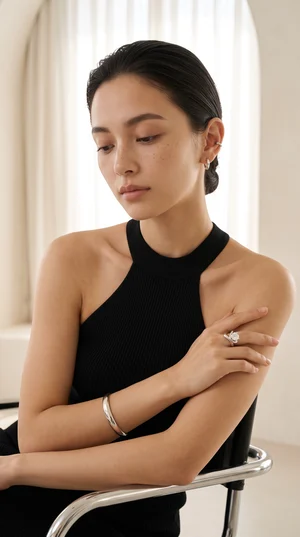
Photo ideas for jewelry on a model
Jewelry on a model: 6 ways to shoot it.
A worn photo shows scale and how a piece sits, and it is the photo most small jewelry brands do not have. Here are six ways to do it, with examples and how to get each one.
50 free credits. No card needed.
Every photo on this page was made with Lorean from a product photo. No model, no shoot.
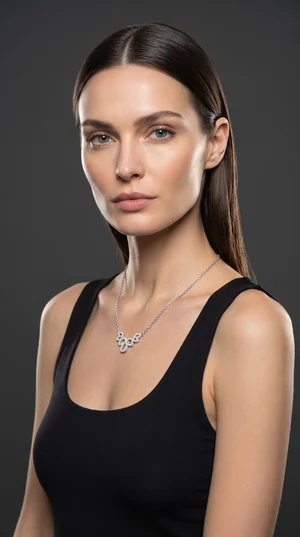
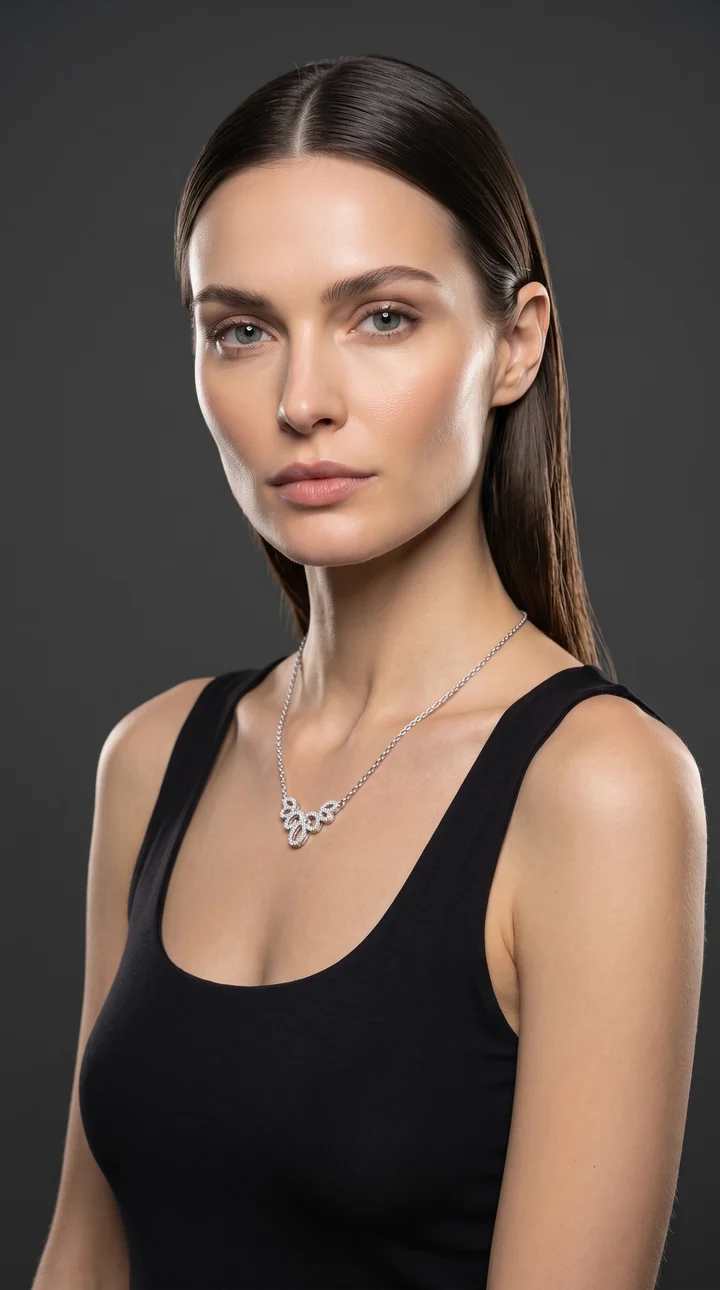
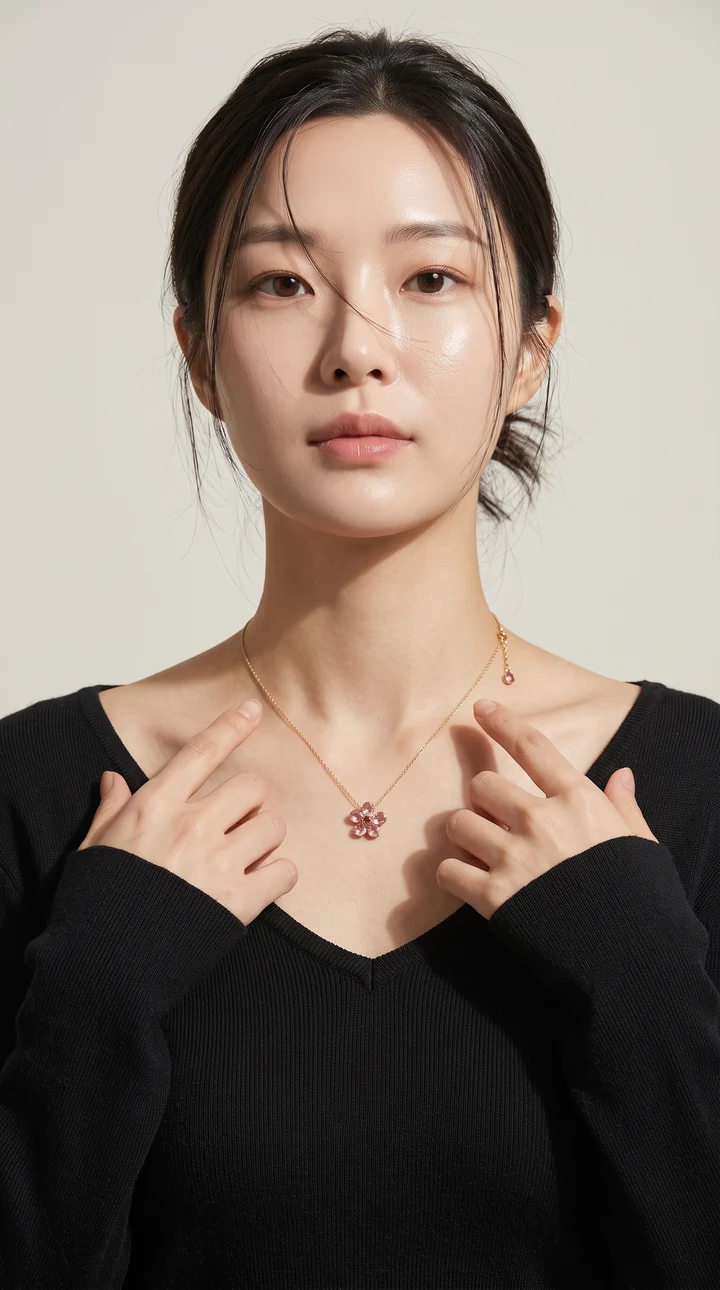
Plain studio portrait
A model, a plain top and a neutral backdrop. It is the most useful worn photo, because it fits any listing or page.
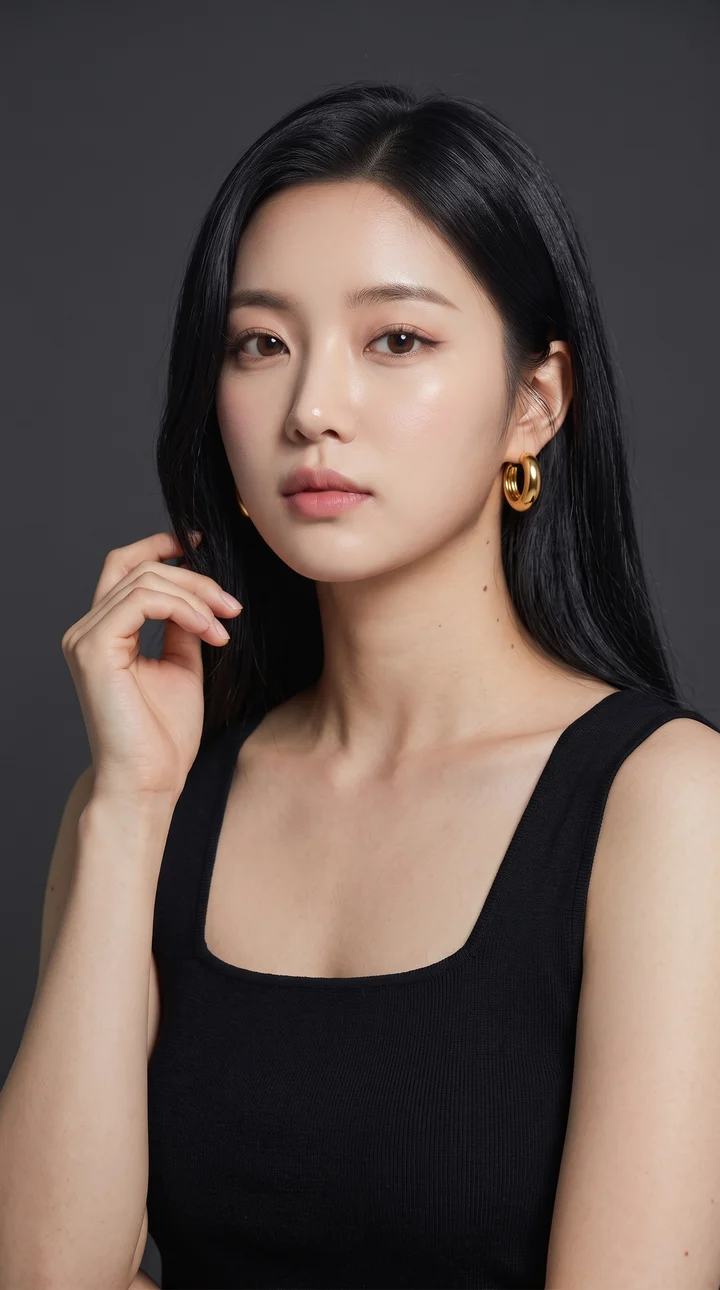
How to shoot it
- 1A black or cream top with a scoop neck leaves the collarbone clear for a necklace.
- 2Use one soft light from the front and to one side. Keep the backdrop grey, beige or off-white.
- 3Hair back for earrings, hands at the chest for rings.
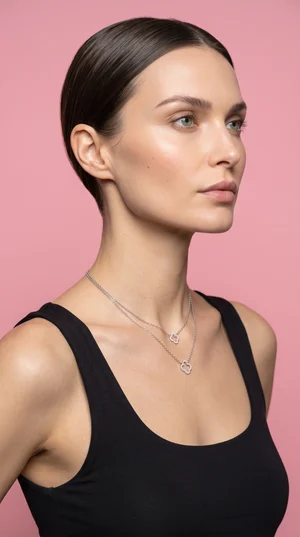
Colour backdrop
The same portrait in front of a flat, saturated colour. It gives a campaign a look and makes the piece easier to spot in a feed.
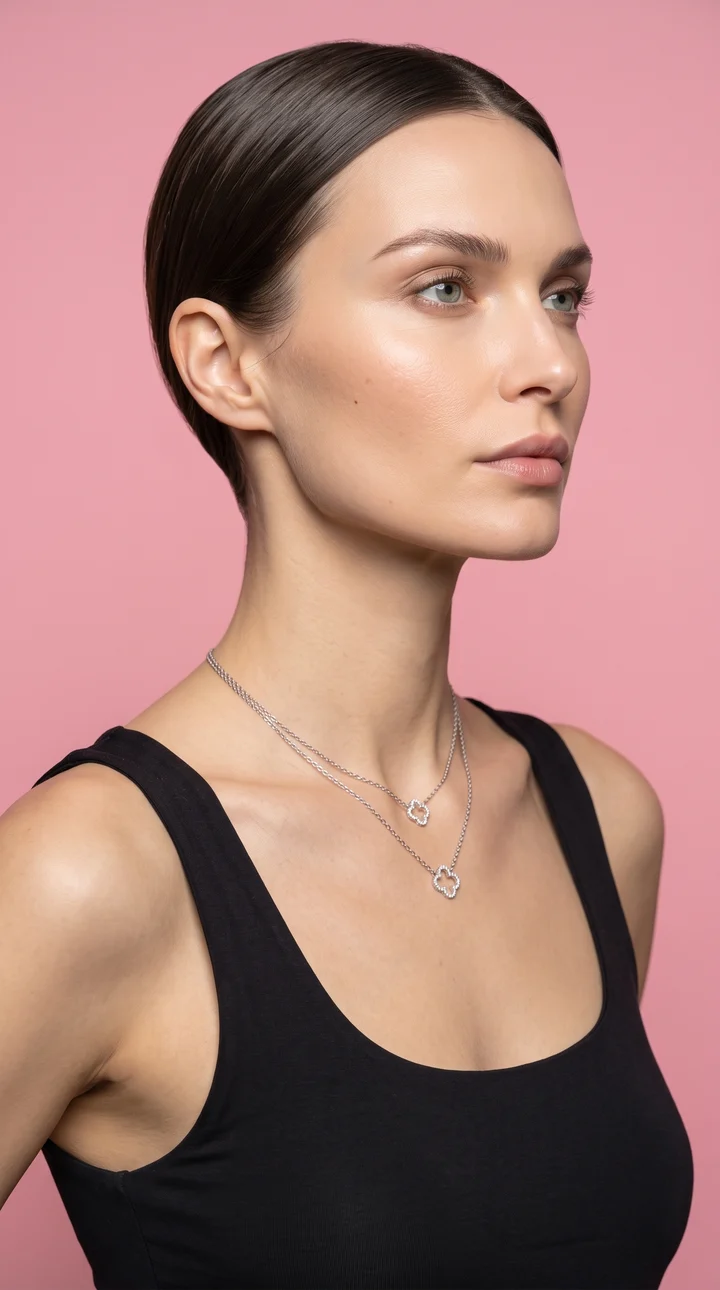
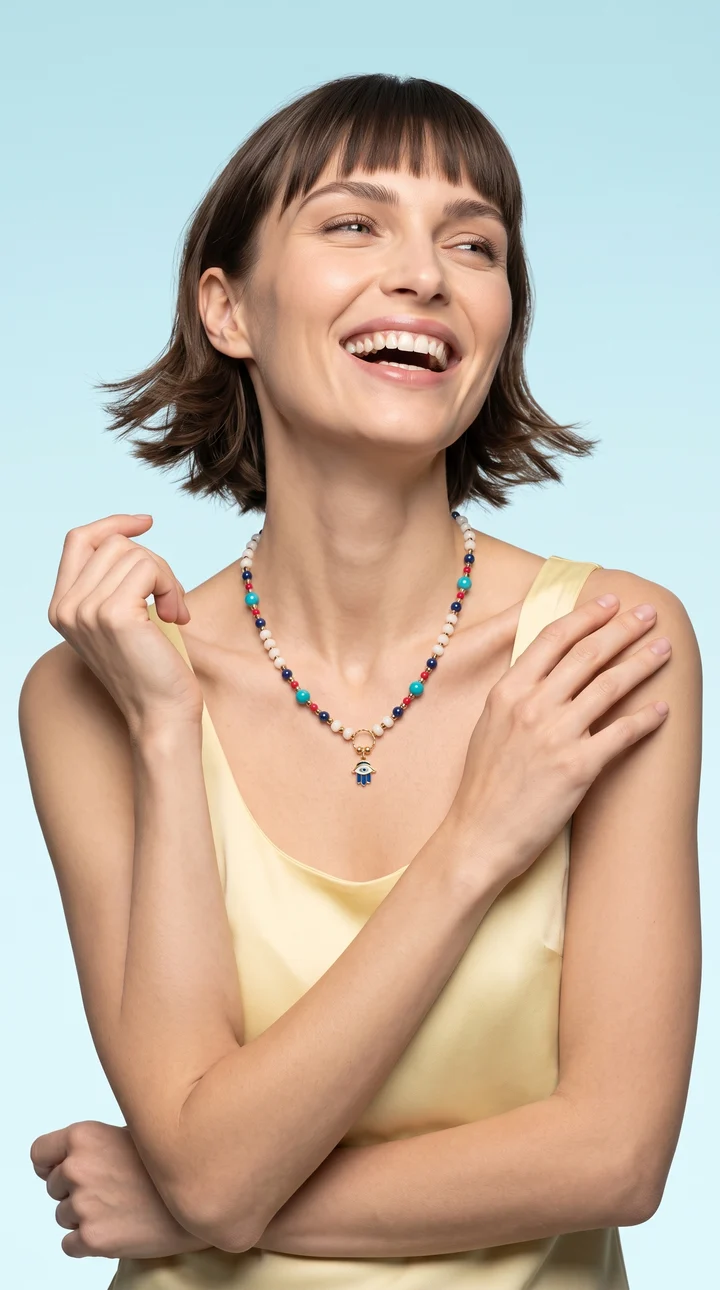
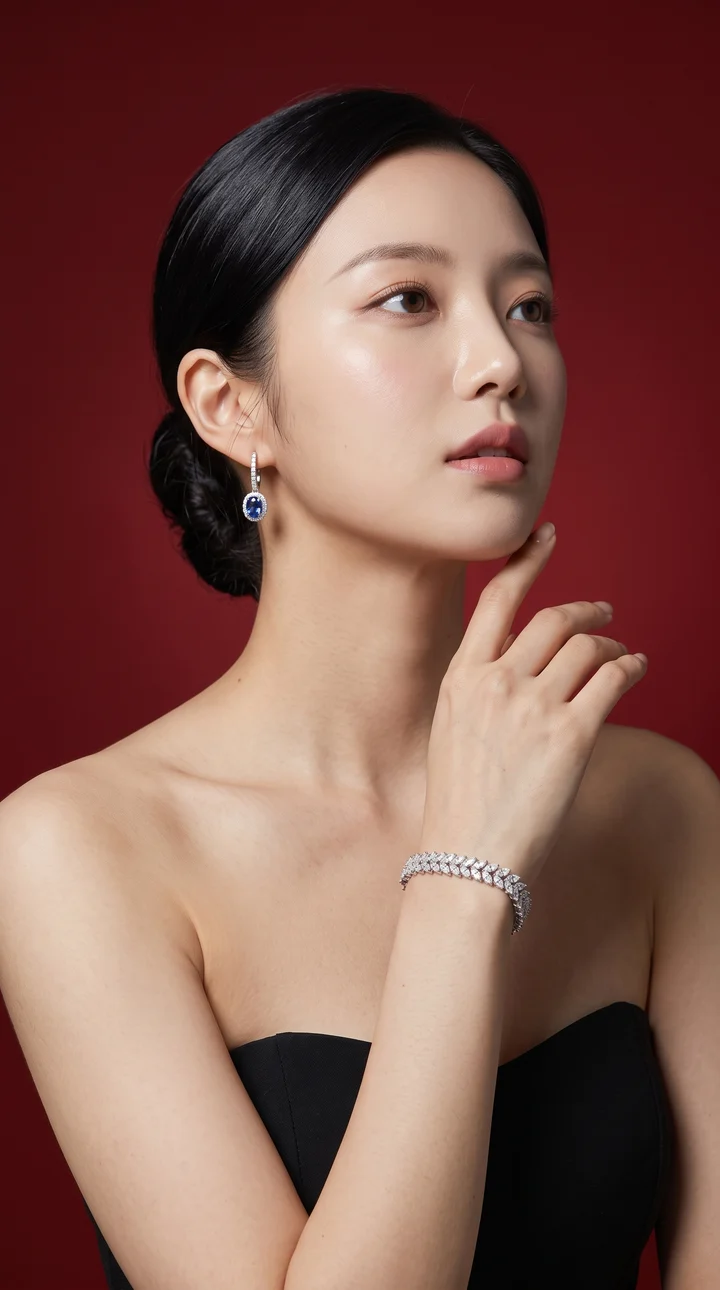
How to shoot it
- 1Pick one backdrop colour for a campaign and stay with it.
- 2Pink, pale blue and deep red all sit well behind gold and diamonds.
- 3An expression helps here. A laugh or a turned head keeps a bright backdrop from feeling flat.
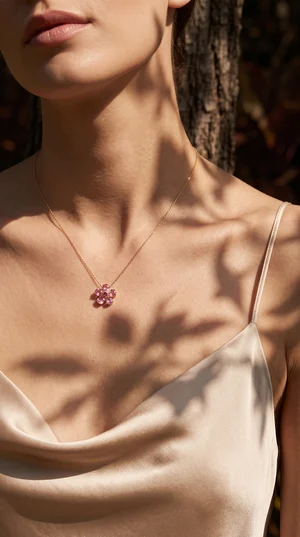
Sunlight and shadow
Hard sun through leaves throws patterned shade across the skin. A pendant sitting in the light looks warm and natural.
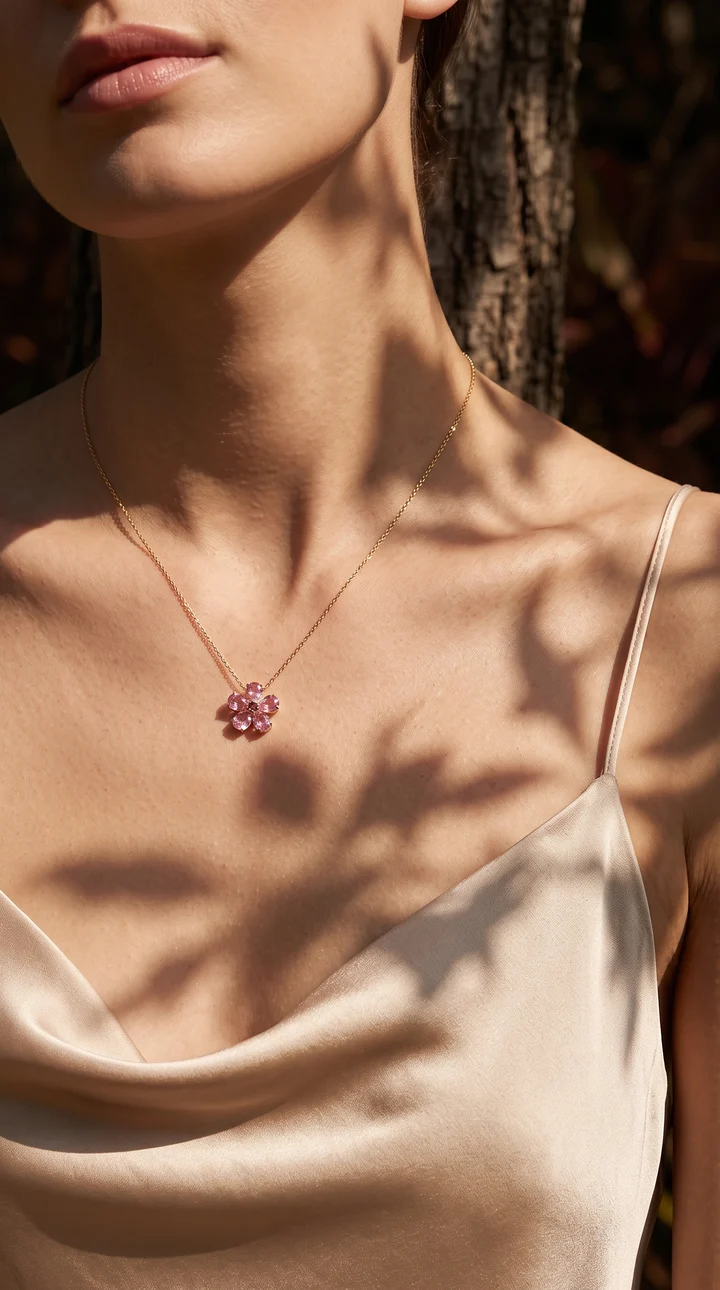
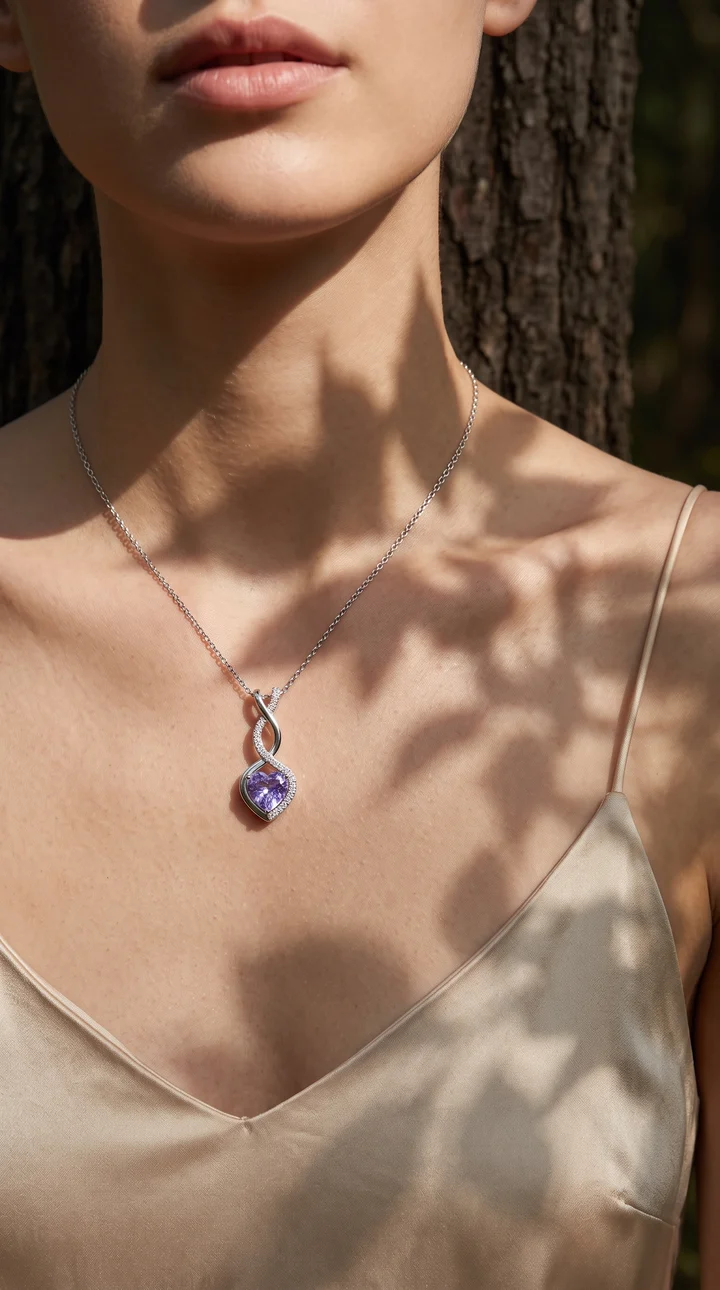
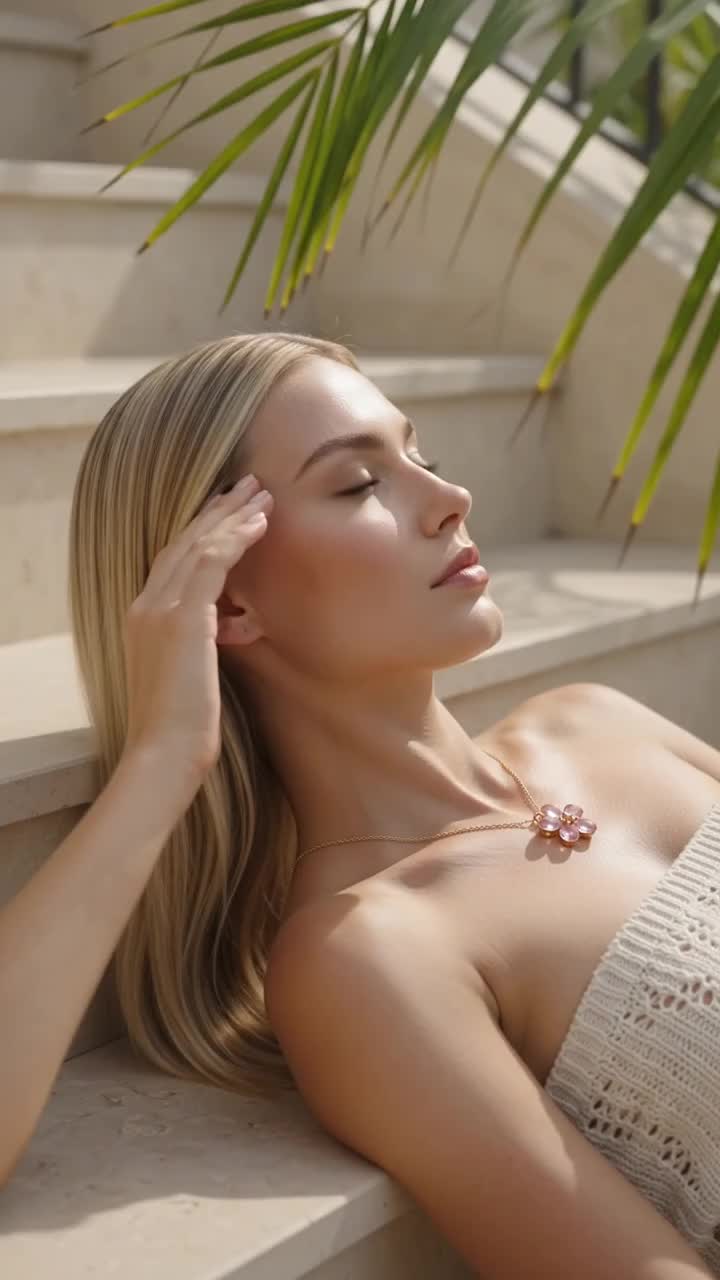
How to shoot it
- 1Shoot in direct sun with something between the sun and the model: a branch, a blind, a woven chair.
- 2Move the model until the piece sits in a patch of light, not in shade.
- 3Crop close. The neck and collarbone are enough.
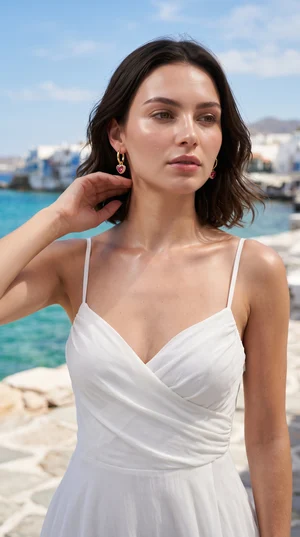
By the water
Open water behind or around the model, in bright daylight. It suits summer collections and pieces sold as holiday gifts.
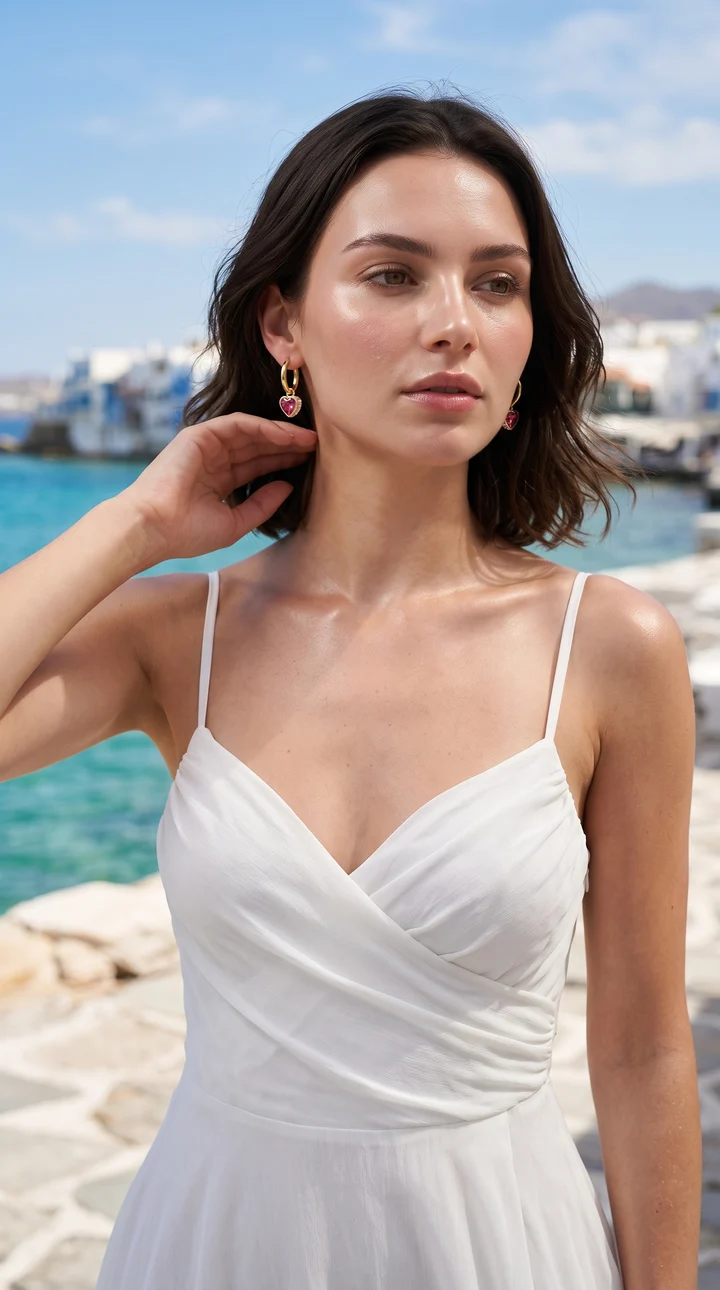
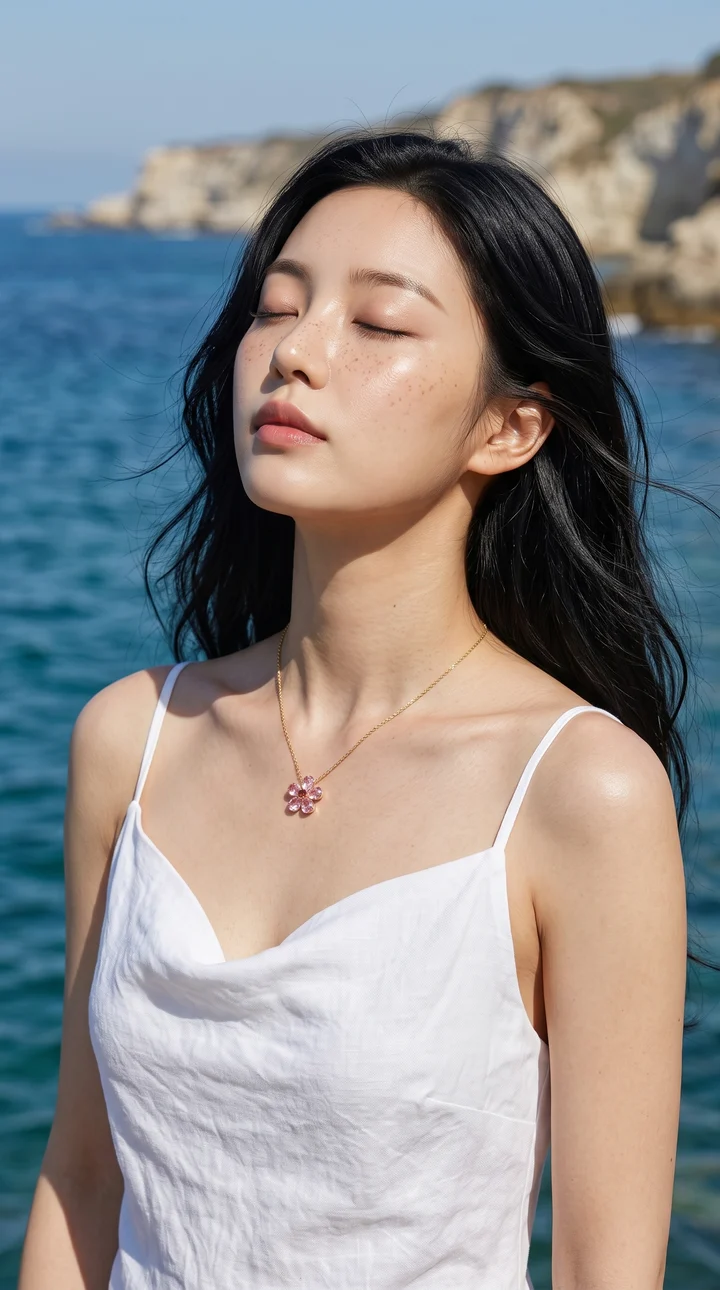
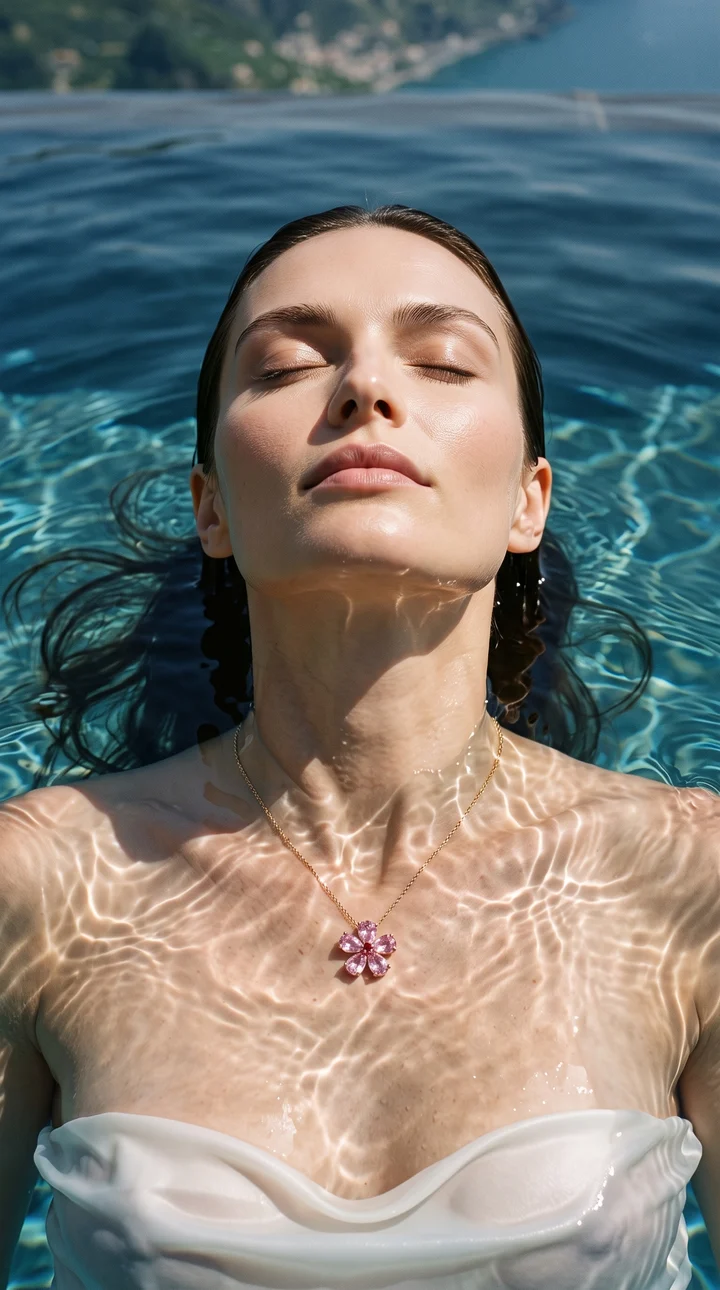
How to shoot it
- 1By the sea, keep the horizon level and above the shoulders, so it does not cut through the neck.
- 2White, black or linen clothing keeps the scene simple.
- 3Shoot early or late in the day. Midday sun leaves hard shadows under the chin.
In greenery
Large leaves around or in front of the model. The green sets off gold and coloured stones, and the leaves frame the face.
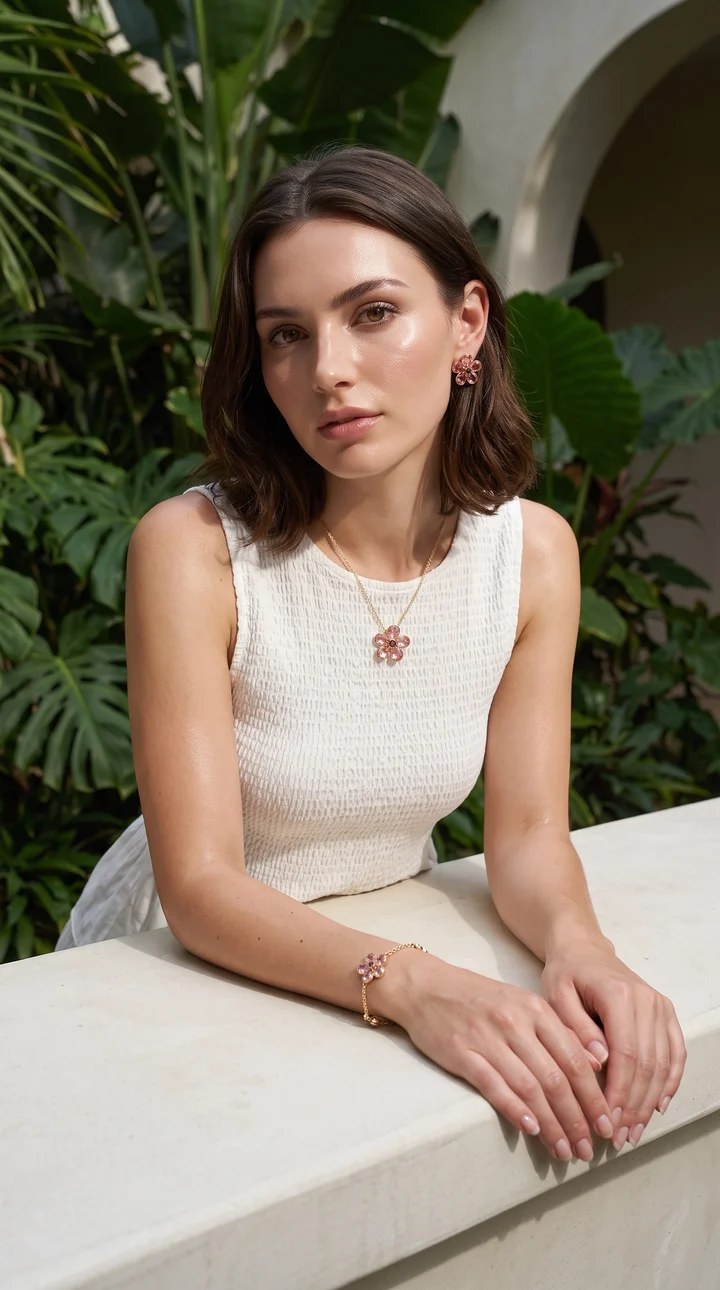
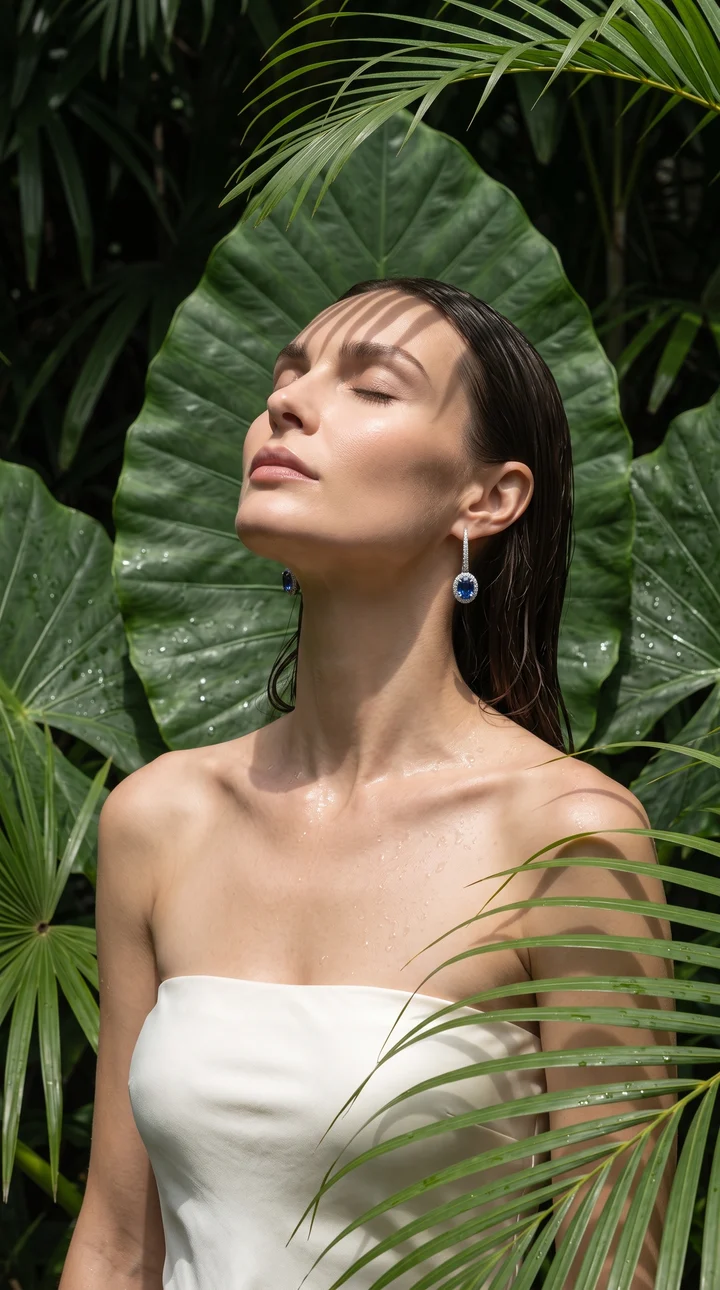
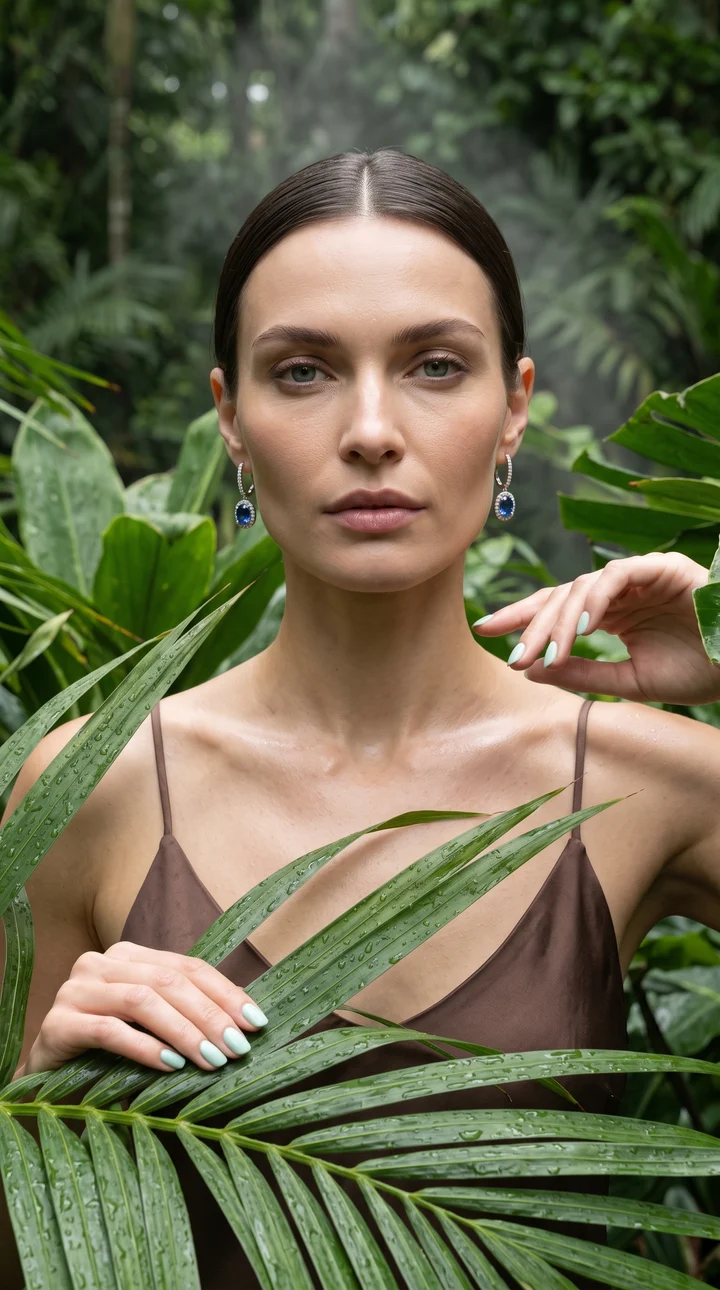
How to shoot it
- 1Use big, simple leaves. Small, busy foliage distracts.
- 2Let a leaf cross part of the frame in front of the model for depth.
- 3Shade under plants is soft and tinted green. Hold a white card nearby to bounce clean light onto the face.
Tailored and minimal
A black blazer or a halter top, a pale wall and a still pose. The clothes are sharp and plain, so one piece of jewelry carries the photo.
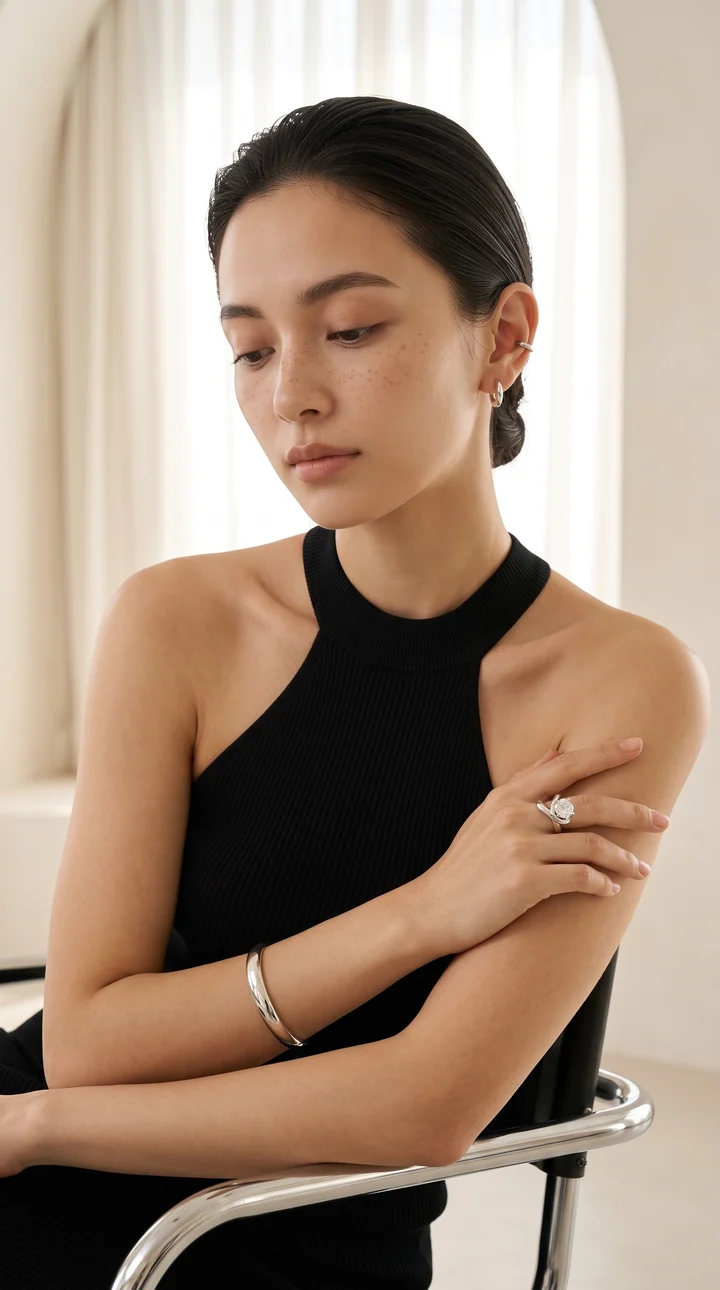
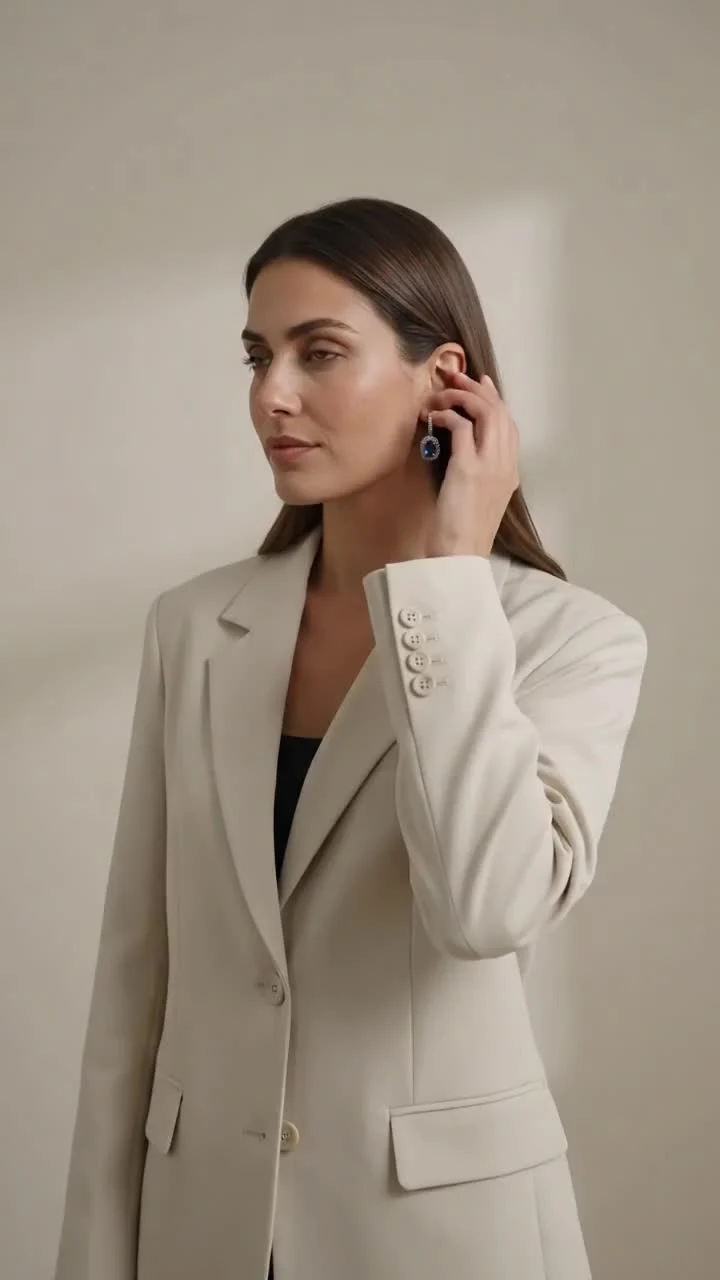
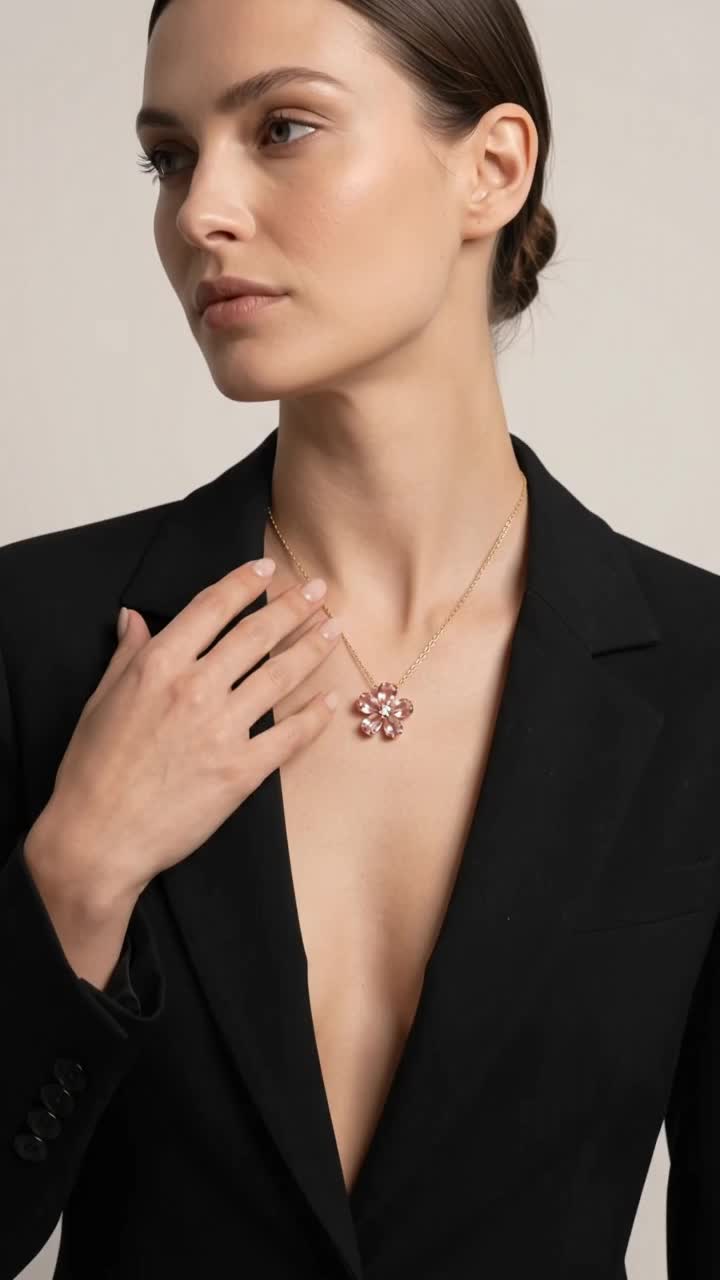
How to shoot it
- 1One piece per photo. Take off everything else.
- 2A blazer worn with nothing under it leaves a deep V for a pendant.
- 3Ask for a still pose with one hand near the piece.
One product photo. Four of the shots above.
The pink flower pendant in ideas 1, 3, 4 and 6 is one necklace. Each of those photos started from this plain picture of it on a wooden table.
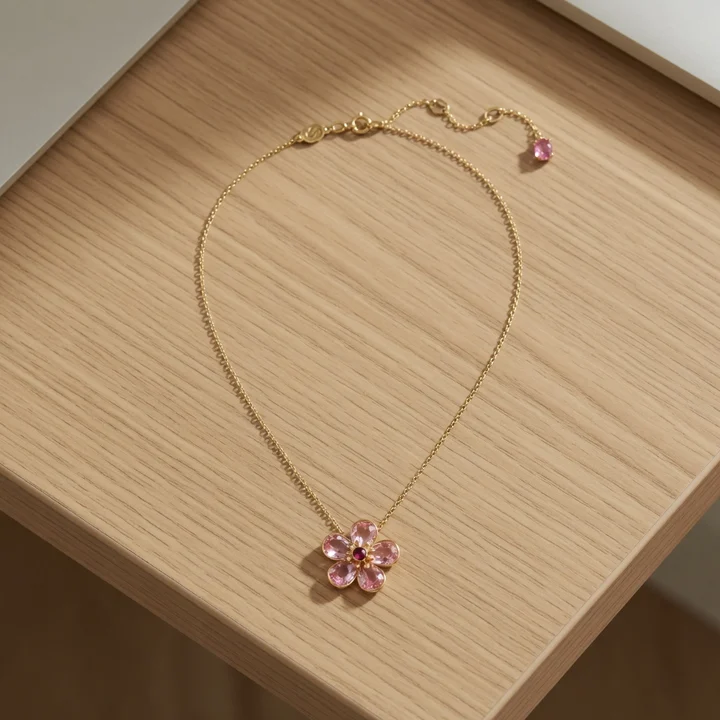 StudioIn sunlightBy the seaTailored
Shooting it yourself: three basics.
Dress for the piece
Plain clothes in black, white or cream. Open necklines for necklaces, hair back for earrings, bare wrists for bracelets.
One piece leads
Decide which piece the photo is about and focus on it. Other pieces can stay in the frame, away from the centre.
Agree the usage
If you photograph a real person, agree in writing how the photos will be used before the shoot.
More for jewelry brands
Jewelry on a model: questions
No. You can photograph a friend, hire a model, or use AI. In Lorean you upload a photo of the piece, pick a style and get photos of it worn by a model. Check each result against the real piece before you publish.
Keep poses still and simple. Turn the head for earrings, bring a hand to the collarbone or chin for rings, and leave the neckline open for necklaces. The piece should be the sharpest thing in the frame.
Plain clothes in black, white or neutral tones, with no logos or patterns. The neckline matters most: scoop or V-necks for necklaces, high necks for earrings.
Yes. Lorean places the piece from your product photo onto a model in the style you choose, such as studio, colour backdrop or by the sea. Small details can drift, so compare the design, the stones and the metal colour with the real piece before you use a photo.
Put your piece on a model.
Upload one photo and pick a style.